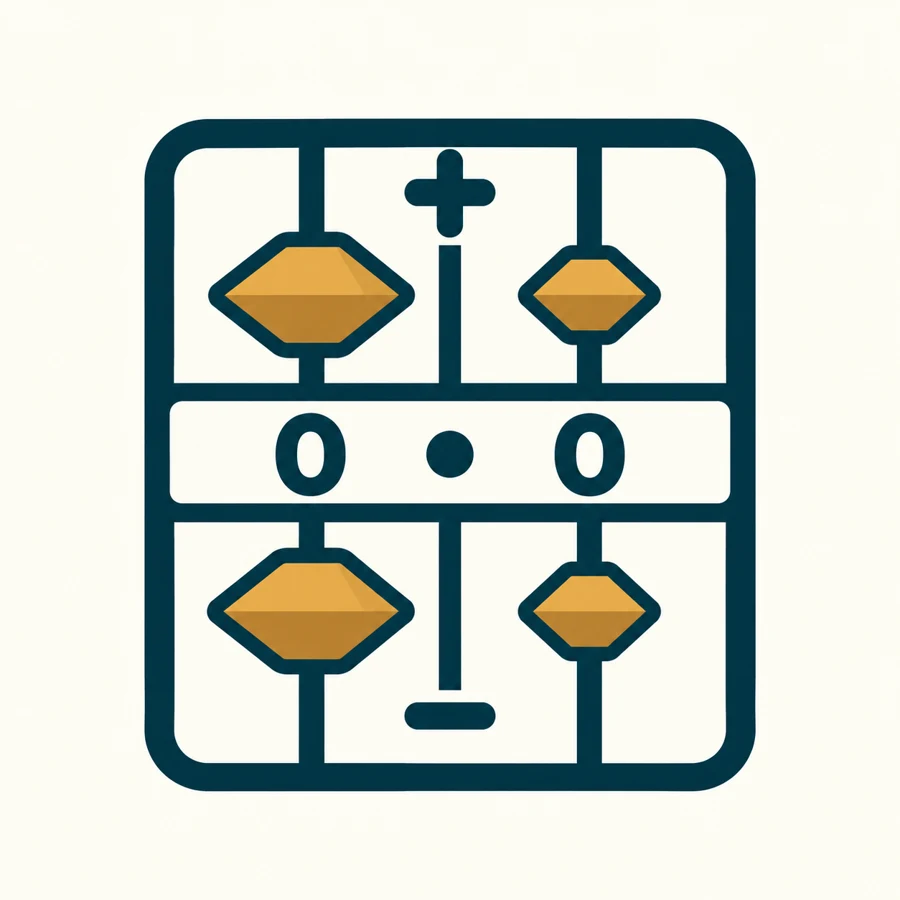
What does each bead mean?
Click or tap a bead to set a rod’s active count. Keyboard users can tab to a bead and press Enter. Active beads gather near the zero line; other beads remain in storage.
Three whole and two fractional places. Base changes clear the frame. Enter only digits available in the selected base.
Can you show the number?
Choose a challenge, then set the beads on the frame below. The frame starts empty so you can try it yourself. These challenges use base ten.
Large controls for touch and keyboard
Same quantity, different unit
Why is the quantity unchanged?
Bead count tells us how many; rod position tells us the value of each bead. This explorer uses one sign consistently. Selecting a rod in the opposite area transfers the magnitude to that sign and clears the other area.
In base ten, the centre marker is a decimal point. In another base, it is a radix point. The coloured fifth bead is a count cue, not a bead worth five.
Arithmetic controls regroup the result mathematically; they do not animate a verified physical exchange. Values outside the frame or requiring an extra fractional rod are rejected without rounding.
Why does 7 + 5 equal 12?
Explore three states: 7, 17 and 12. Each press shows the next state.